That tension sits at the center of caregiving. Most adult children are not trying to control a parent’s life. They are trying to quiet the constant, low-level worry that comes from not knowing whether a normal day is actually normal. Did Dad get out of bed this morning? Is Mom moving around less than usual? Was that missed call nothing, or the start of something serious?
The right alert system can help, but only if it sends the kind of information a family can actually use.
What caregiver alerts for elderly parents should really do
A good alert is not just a notification. It is context. Families do not need more noise on their phones. They need signals that help them decide when to check in, when to wait, and when to act quickly.
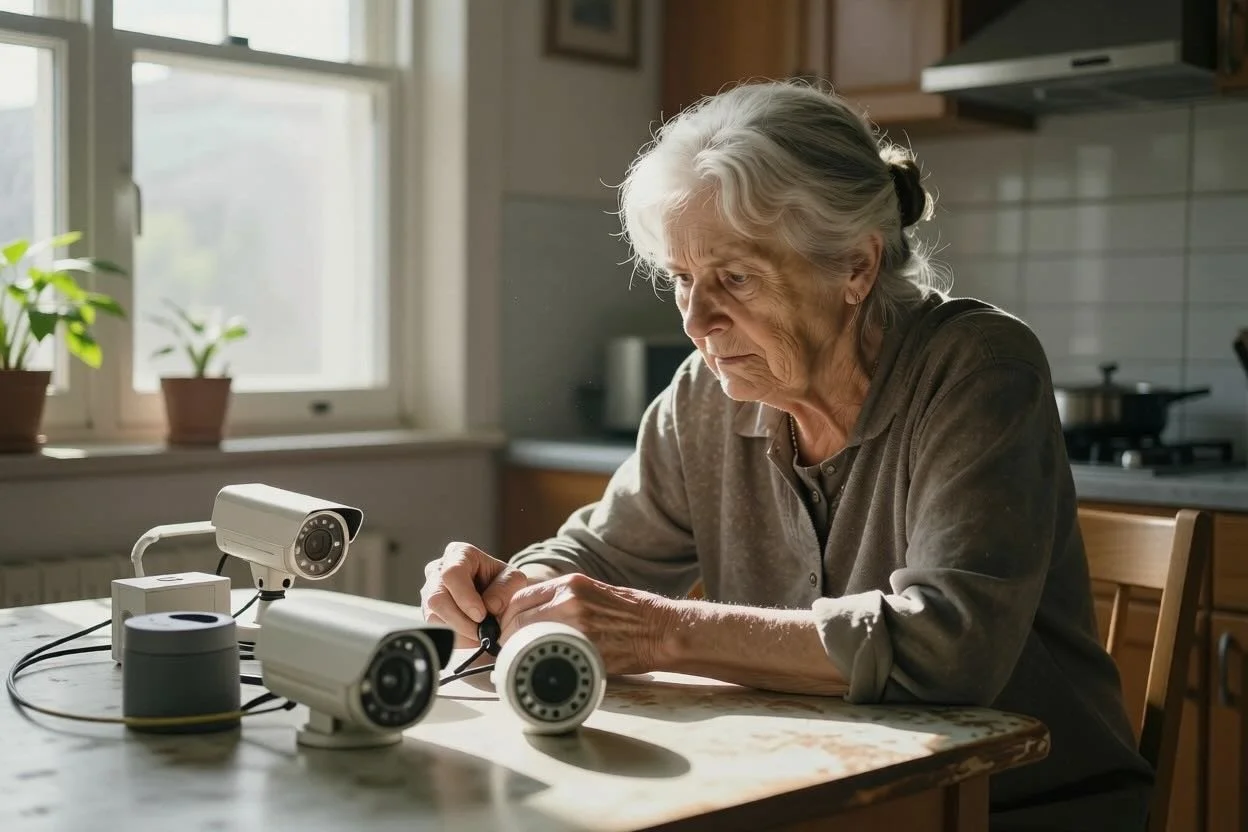
That is where many traditional systems fall short. A medical alert button can be lifesaving in an emergency, but it depends on a parent wearing it, remembering it, and pressing it. Camera systems show activity, but they can feel invasive and often require someone to watch footage or interpret what they are seeing. Basic smart home devices may send motion updates, but a stream of raw events can create more anxiety instead of less.
The most helpful caregiver alerts for elderly parents are the ones that reflect daily patterns. If your parent usually gets up around 7:00 a.m. and there is no morning activity, that matters. If bathroom trips suddenly increase overnight, that may matter too. If overall movement drops over several days, that can be an early sign that something is off, even before your parent says anything.
In other words, families need alerts tied to behavior, not just isolated incidents.
Why simple alerts matter more than more data
Many caregivers assume that more information will make them feel better. Usually, the opposite is true. When you are juggling work, kids, errands, and your parent’s care, you do not have time to sort through dashboards, camera feeds, or dozens of notifications.
You need something simpler. You need a system that notices change and tells you what changed in plain language.
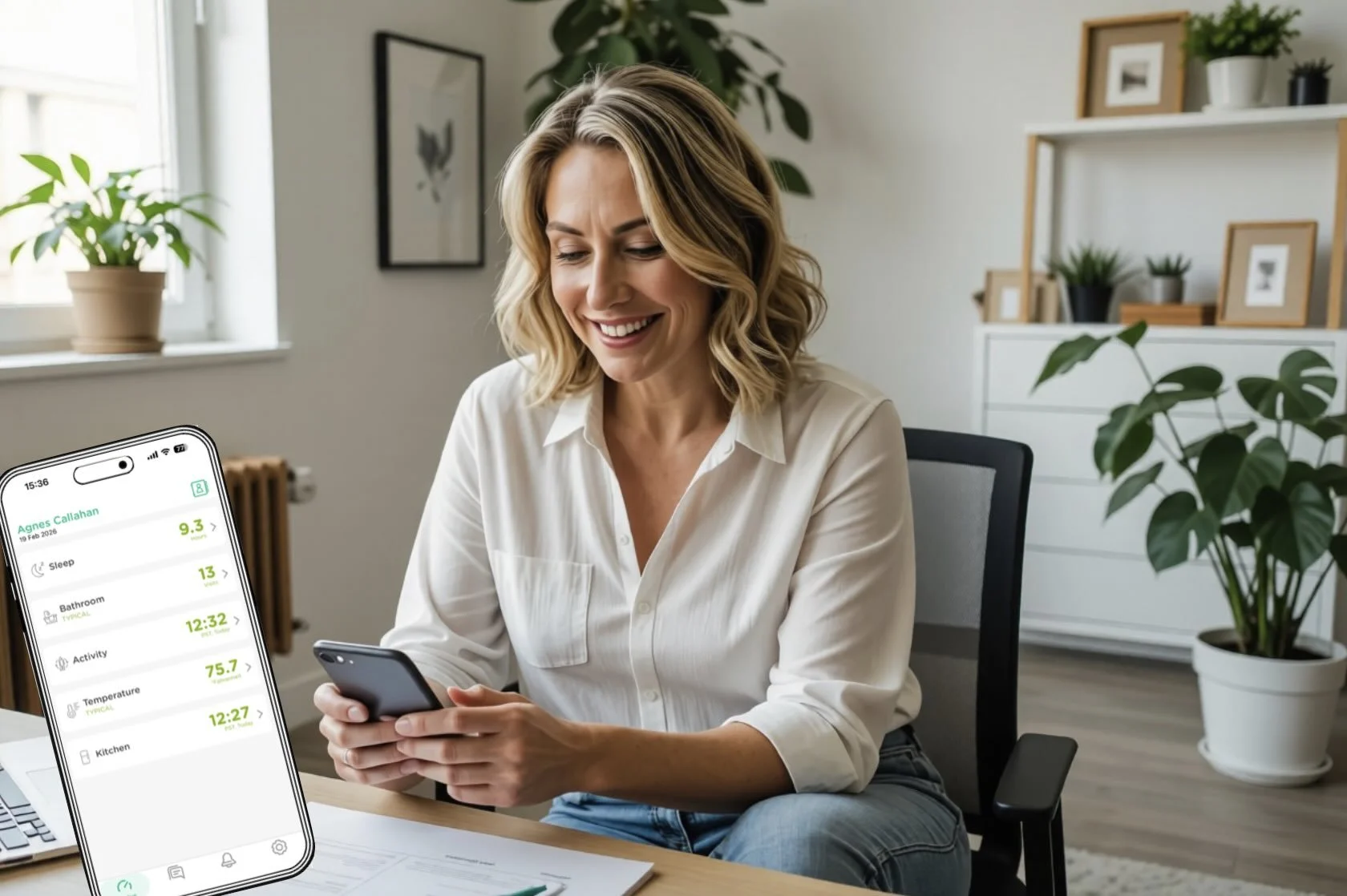
That might mean a message that your parent did not follow their usual morning routine. It might mean a summary showing reduced movement over the last week. It might mean an alert for unusual nighttime activity that could suggest poor sleep, a medication issue, or a urinary problem. These are not dramatic moments in the way people often imagine emergencies. But they are often the moments that let families catch problems early.
This is one reason passive monitoring has become more appealing. Instead of asking an older adult to wear a device or interact with technology throughout the day, passive systems quietly observe movement patterns in the home. That matters because many seniors stop wearing pendants, forget to charge devices, or simply dislike feeling monitored in an obvious way.
Privacy is not a side issue
For many families, the hardest part of choosing a monitoring solution is not the cost or setup. It is the feeling that safety might come at the expense of dignity.
That concern is valid. A parent who has lived independently for decades may tolerate help, but still reject anything that feels like surveillance. Cameras in a bedroom, microphones in living spaces, or a constant demand to wear a device can feel less like support and more like losing control.
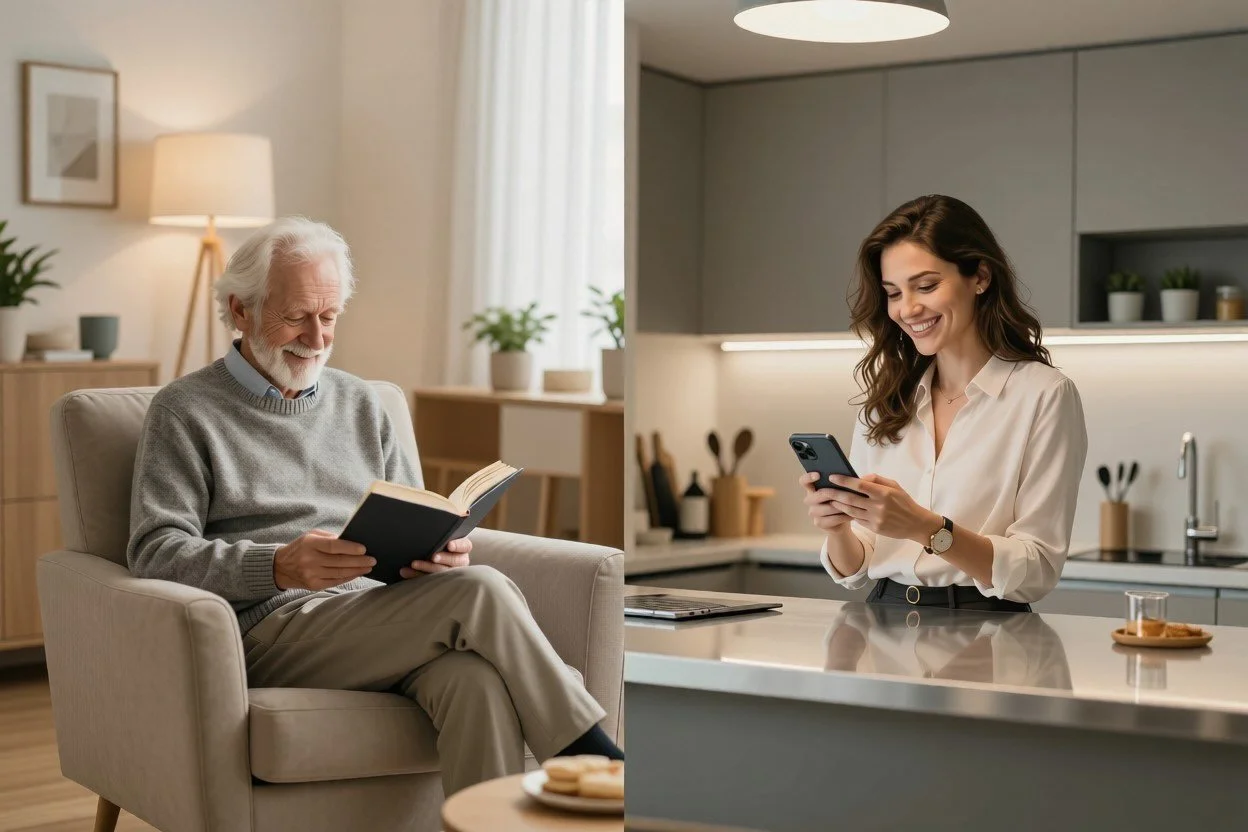
That is why privacy has to be part of the product, not an afterthought. The best systems are designed to respect the fact that older adults still deserve personal space. Motion-based monitoring is often a better fit for families who want visibility without watching, listening, or intruding.
This balance matters more than people realize. When a parent feels respected, they are more likely to accept support. And when they accept support earlier, families usually get better outcomes than they would if they waited for a crisis.
The trade-offs to think through before you choose
There is no single alert system that works for every family. The right choice depends on your parent’s health, personality, and living situation.
If your parent is active, comfortable with technology, and willing to wear a device consistently, a personal emergency response button may still be useful. If your main concern is fall risk and your parent reliably keeps a pendant on, that can be a reasonable option.
If your parent values privacy, dislikes wearables, or tends to minimize symptoms, a passive in-home system may be a better fit. This is especially true when your concern is not just one dramatic emergency, but the quieter signs that daily life is changing.
If you live far away, you may care more about ongoing reassurance than one-time emergency access. In that case, a stream of useful summaries and meaningful alerts is often more helpful than a system that only activates after something has already gone wrong.
And if your parent has a condition like Parkinson’s disease, mobility limitations, or is recovering from illness or injury, changes in movement patterns may tell you more than they can express themselves. A person may say they are fine because they do not want to worry you. Their routine may tell a different story.
What useful caregiver alerts actually look like
The best alerts do not force you to guess. They point you toward the next right step.
For example, an alert about no kitchen activity by midmorning may prompt a quick call. Reduced movement over several days may suggest it is time to ask about fatigue, pain, or medication side effects. Increased nighttime bathroom visits could lead to a conversation with a doctor before the issue becomes more serious.
This is where behavioral monitoring stands apart. It is not just looking for disaster. It is noticing disruption.
That distinction can make caregiving feel more manageable. Instead of wondering all day whether something is wrong, you have a clearer sense of when to pay attention. That does not remove the emotional weight of caring for a parent, but it can reduce the exhausting uncertainty that so many caregivers carry.
Systems like StackCare are built around that idea. Rather than flooding families with raw sensor activity, they translate in-home patterns into real-time alerts and simple summaries caregivers can understand at a glance. That means less interpretation, less second-guessing, and more confidence about when to check in.
How to talk to a parent about alerts without starting a fight
Even the best system can fail if the conversation starts in the wrong place. Many parents hear monitoring and think, They do not trust me anymore.
It helps to begin with your concern, not their limitations. Talk about your own worry. Explain that you are not trying to take away independence, but to support it. In many families, that shift changes the conversation. This is not about watching them. It is about helping them stay in the home they love with less pressure on everyone.
Be specific about privacy. If there are no cameras, say so. If there is nothing to wear, explain that too. The less the system asks them to change daily habits, the more likely they are to accept it.
It also helps to frame alerts as a backup, not a verdict. A notification does not mean something is definitely wrong. It means a routine changed, and someone who cares will notice. That can feel far more respectful than constant calls asking, Are you okay? Did you get out of bed? Did you take your pills?
A better kind of reassurance
Most caregivers are not asking for perfect control. They know that is not possible. What they want is a little less uncertainty and a little more confidence that if something changes, they will know.
That is what thoughtful caregiver alerts for elderly parents can provide. Not surveillance. Not a flood of data. Just timely, meaningful insight that helps families respond earlier and worry a little less.
When a parent wants to stay independent, the goal is not to stand back and hope for the best. It is to put the right support in place so independence can last longer, with dignity still intact.